
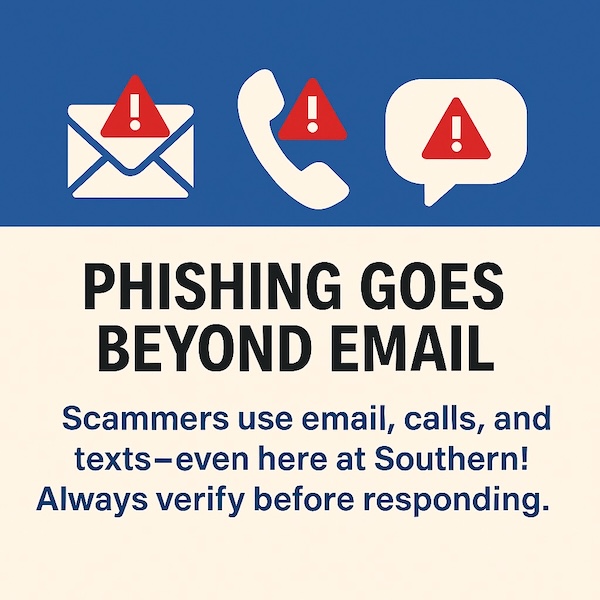
Phishing emails are becoming more sophisticated and are now mimicking various services across the country using social engineering tactics. These fraudulent messages are no longer limited to emails but have expanded to include calls and text messages, even here at Southern. These deceptive communications are designed to trick users into revealing their personal information and accessing their accounts. It is crucial to continually question the authenticity of the requests you receive, as universities nationwide are being targeted. Spam and phishing messages can appear to come from 'people you know,' so it is essential to recognize their signs. Pausing for just three seconds to consider the authenticity of an email before clicking a link can be the difference between staying secure and falling victim to a cyberattack.
SCSU IT will NEVER ask for your password or Multifactor Authentication (MFA) codes that are sent to you via app, text, email, or phone.
A few common indicators of phishing emails are:
- Emails that come from a familiar name, but are not @SouthernCT.edu email addresses
- Even @SouthernCT.edu email addresses can be compromised
- Misspelled words or poor grammar
- Suspicious links
- Websites that ask you for your username and password
- Account termination notices or other time-sensitive threats
- Offers, such as job opportunities or free stuff, that seem too good to be true
Ways to stay protected:
- Never provide your password or MFA method/code to anyone
- Never accept an MFA prompt that you did not initiate
- Never send cash, checks, or money orders without proper verification of identity
- If you receive a link to log into a website via email, ensure you are not on a spoofed site, such as one that mimics MyApps.SouthernCT.edu.
- When in doubt, contact the Help Desk at (203) 392-5123 or helpdesk@southernct.edu.
What is phishing?
Phishing is a tactic used to gain access to sensitive information, such as usernames, emails, and passwords, for malicious purposes or as an entry point into an organization. Phishers often employ "social engineering" techniques to pose as trustworthy entities, convincing individuals to reveal sensitive information through email or phone, download malicious software, or use fraudulent websites to obtain information.
I just received a suspicious email! How do I report it?
If you know the sender, you should contact them using an email address or telephone number that you already know to ensure the authenticity of the email. If the email is malicious, you should report the message to Microsoft for review. To report a message, follow the steps in this Help Desk article.
Have you been the victim of a malicious phishing message?
An immediate password and Multifactor Authentication (MFA) reset are important steps to ensure that your account and your credentials remain safe.
Many phishing incidents result in spam messages being sent from your account without your knowledge. Checking your sent folder for emails that are addressed to recipients you don't know is one step to identify if your account has been compromised. Remember, safeguarding your account and credentials will not only protect you, but will also protect the university, computing assets, employee data, and student data.